The central tradeoff for platform and FinOps teams is simple to state and hard to get right. You need enough IOPS and throughput for the application, without paying for a premium tier it never uses or leaving oversized volumes running for months. Cloud block storage waste is real: Lucidity's analysis points to over 50% storage underutilization across enterprise environments.
This guide connects each StorageClass setting to its effect on performance, billing, scheduling, and retention across AWS, Azure, and Google Cloud.
Key Takeaways
- Parameters are driver-specific, so never assume one CSI driver's values work on another.
- Volume type, IOPS, throughput, capacity, replication, and topology each move cost and performance differently.
- Reclaim policy, default classes, and expansion can create spend or data-loss risk without touching IOPS.
- Use explicit, versioned classes and benchmark real workloads before standardizing.
How StorageClass Settings Translate Into Cost and IOPS
From PVC to cloud volume
A PVC names a storageClassName. Kubernetes hands the request to that class's provisioner (a CSI driver), which passes the parameters to the cloud provider's API. The provider creates the volume, a PV is bound to the claim, and the Pod mounts it.
The StorageClass is a policy contract. The cloud provider still defines the available tiers, limits, and billing rules.
Parameters are not portable
Per the Kubernetes documentation, the provisioner is required and parameters are specific to it. Kubernetes assigns no universal meaning to disk type, IOPS, or throughput fields.
| CSI driver | Common parameters |
|---|---|
ebs.csi.aws.com |
type, iops, throughput (gp3 only), encrypted, kmsKeyId |
disk.csi.azure.com |
skuName, cachingMode, DiskIOPSReadWrite, DiskMBpsReadWrite |
pd.csi.storage.gke.io |
type, provisioned-iops-on-create, provisioned-throughput-on-create, replication-type |
Check every parameter against the installed driver version before you publish or apply YAML.
Separate the billing dimensions
Capacity, IOPS, throughput, and latency are different dimensions. Raising one does not automatically raise the others.
- EBS gp3: bills capacity, plus IOPS above 3,000 and throughput above 125 MB/s
- EBS io2: bills capacity and tiered provisioned IOPS
- Azure Premium SSD v2: bills capacity, IOPS, and throughput separately, with 3,000 IOPS and 125 MB/s included
- Google
pd-ssdandpd-balanced: bill provisioned capacity, with I/O included - Hyperdisk Balanced: bills capacity plus IOPS and throughput above baseline
Premium SSD v2 in East US LRS, for example, runs $0.081 per GiB-month, with additional IOPS at $0.0052 per IOPS-month above 3,000 and throughput at $0.041 per MB/s-month above 125, per Azure's pricing page.
Workload behavior matters too
Request size, read/write mix, sequential versus random access, queue depth, and caching all shape observed performance. A configured limit is a ceiling, not a benchmark. Measure achieved IOPS, throughput, and application latency instead of judging a class by its YAML.

StorageClass Settings That Change IOPS and Performance
Provisioner and CSI driver
The provisioner decides which volume families, performance controls, topology rules, and expansion features you get. A provider-neutral skeleton:
apiVersion: storage.k8s.io/v1
kind: StorageClass
metadata:
  name: db-fast-v1
provisioner: <your-csi-driver>   # must match the installed driver
parameters:
  type: <provider-volume-type>
volumeBindingMode: WaitForFirstConsumer
allowVolumeExpansion: true
reclaimPolicy: Delete
An AWS example (verify against your driver version):
provisioner: ebs.csi.aws.com
parameters:
  type: gp3
  iops: "6000"
  throughput: "250"   # gp3 only
Note that iops and iopsPerGB are mutually exclusive in the EBS driver.
Volume type, IOPS, and throughput
The volume type is the biggest lever. It moves a workload between low-cost, general-purpose, and high-performance storage. A workload can be IOPS-bound, throughput-bound, or latency-bound, and each needs a different fix.
Documented limits worth knowing:
- gp3: 3,000 to 80,000 IOPS; throughput up to 2,000 MiB/s, which requires at least 8,000 IOPS and 16 GiB
- io2 Block Express: 100 to 256,000 IOPS, up to 4,000 MiB/s, with a 1,000:1 IOPS-to-GiB ratio
- Azure: IOPS and throughput parameters apply to Ultra and Premium SSD v2, which require caching set to
None - GKE Hyperdisk: IOPS and throughput changes are limited to once every four hours
The AWS EBS documentation lists these gp3 limits. They are specifications, not application benchmarks.
volumeBindingMode and topology
Immediate provisions the volume as soon as the PVC exists, possibly in a zone where the Pod can't run. WaitForFirstConsumer waits for the Pod, so the volume lands where the scheduler places it.
This matters because EBS attaches only within the same Availability Zone. Use allowedTopologies to restrict placement. GKE zonal clusters must set allowedTopologies when using replication-type: regional-pd.

Filesystem and mount settings
fsType and mountOptions are driver-specific. Kubernetes doesn't validate mount options, so a bad flag causes mount failures, not faster I/O.
Test any change in a non-production cluster. Mount flags never substitute for choosing the right volume tier.
Expansion behavior
allowVolumeExpansion: true lets you grow a PVC if the CSI driver supports it. Kubernetes does not shrink volumes. Also check whether growth changes the performance profile or the bill; a larger volume doesn't guarantee the IOPS you need.
- AWS: up to four modifications per rolling 24 hours
- Azure: growing Standard or Premium SSD past 4 TiB requires deallocation
- GKE: PD CSI supports expansion; Hyperdisk performance changes can take up to 15 minutes
StorageClass Settings That Change Cost
Capacity requested by the PVC
resources.requests.storage sets the initial provisioned capacity, and you pay for it even if the app uses a fraction. Track four numbers separately: requested, allocated, filesystem-visible, and actually used. The kubelet exposes kubelet_volume_stats_capacity_bytes and kubelet_volume_stats_used_bytes for this.
Volume tier and provisioned performance
Premium tiers and provisioned IOPS cost money whether or not the application consumes them. The decision rule: choose a tier from measured latency and workload needs, then validate total cost. Don't default to the highest profile.
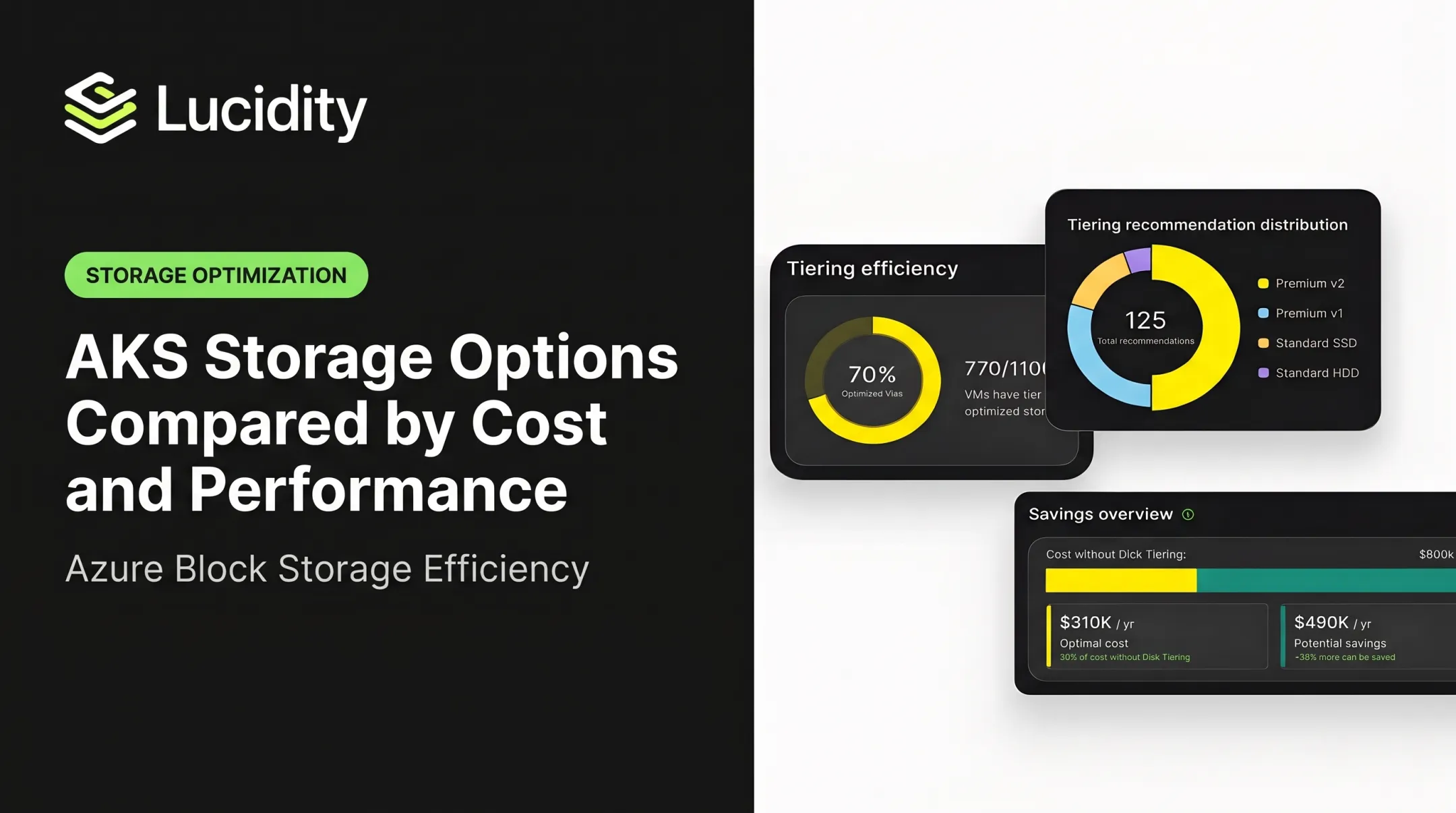
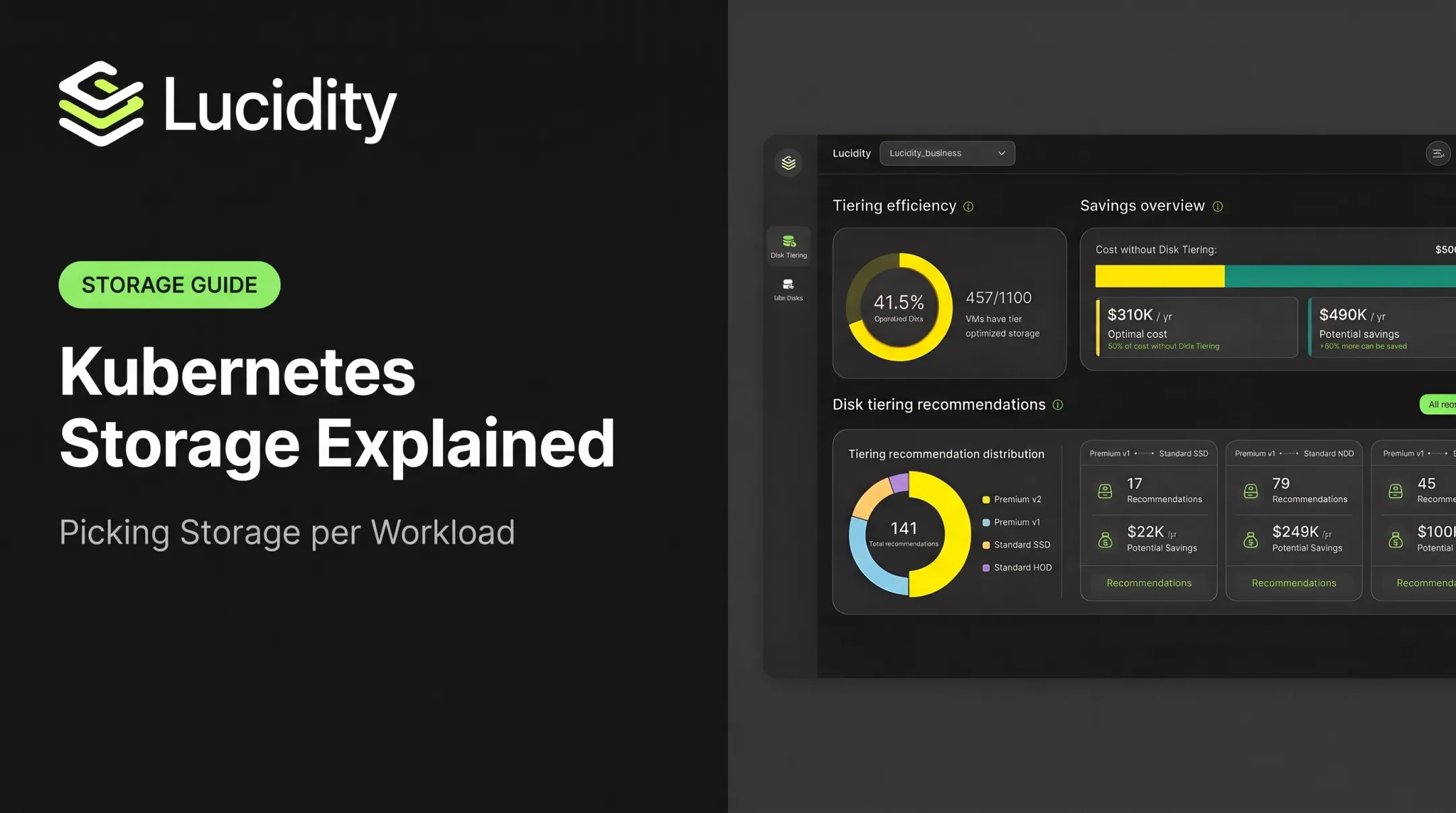
Lucidity Lumen's dashboard shows $800K annual cost without disk tiering versus $310K optimized. Lumen bases tier recommendations on historical IOPS, throughput, latency, and cost trends rather than point-in-time snapshots.

Replication, encryption, and snapshots
Several cost drivers sit in or near the StorageClass:
- Replication: GKE regional PD uses
replication-type: regional-pd. Azure ZRS costs more than LRS; AKS managed disk classes use ZRS on multi-zone clusters from 1.29, while Premium SSD v2 stays LRS. - Encryption: EBS CSI exposes
encryptedandkmsKeyId. Customer-managed KMS keys carry a recurring charge, and KMS API requests are billable, per AWS KMS pricing. - Snapshots: these belong to
VolumeSnapshotClass, not the StorageClass, with their owndeletionPolicy. Snapshot storage is billed separately.
Check current provider pricing for each before committing.
reclaimPolicy and lifecycle
Dynamically provisioned PVs inherit the class's reclaim policy, and the default is Delete.
- Delete: cleans up the cloud volume automatically, but removes the data with it
- Retain: preserves data for recovery, but released volumes keep billing until someone reviews them
Match the choice to your data-protection needs and your tolerance for abandoned volumes. Lucidity's analysis found annual costs of $71.3K for disks tied to terminated instances and $37.4K for never-attached disks in one environment.
Default StorageClass
A PVC without storageClassName uses the default class, marked by storageclass.kubernetes.io/is-default-class: "true". If a default changes, new claims can silently land on a different tier. With multiple defaults, the newest wins.
- Name classes explicitly for production stateful workloads
- Document how defaults get changed
- Audit for conflicting default annotations
Expansion creep and idle volumes
Permissive expansion lets storage grow without matching usage growth. Deleted workloads can leave volumes, snapshots, and retained PVs behind.
AWS Trusted Advisor flags EBS volumes averaging fewer than one IOPS per day for seven days. Google classifies a PD as idle after 15 days unattached.
Lucidity's research suggests unattached, reserved, unmounted, and zero-I/O disks can account for up to 70% of unused block storage spend. Define approval, retention, and rollback steps before automating cleanup.

Apply and Optimize StorageClasses in Production
Match classes to workloads
Profile first, then pick the class.
| Workload | Priority | Typical direction |
|---|---|---|
| Transactional database | Low latency, steady IOPS | Provisioned-performance tier, explicit class, Retain |
| General stateful service | Balanced | gp3 or equivalent baseline |
| Dev and test | Cost | Low tier, Delete, small capacity |
| Logs | Throughput, capacity | Throughput-oriented, expansion enabled |
| Backups | Capacity, retention | Low-cost tier, snapshot policy |
| AI workloads | Throughput, concurrency | Benchmark before choosing |
Avoid labeling a class "fast" or "cheap" without documenting the measured behavior and provider assumptions.
Roll out changes safely
- Run
kubectl get storageclassandkubectl describe storageclass <name>to confirm drivers and defaults. - Test a full PVC-to-PV-to-Pod flow in a non-production cluster.
- Benchmark with fio on a throwaway disk. Google's guidance warns that
ddcan under-test because of low queue depth. - Create a new versioned class (for example
db-fast-v2) rather than editing an existing one. StorageClass edits affect only new volumes. Existing volumes need theVolumeAttributesClassmechanism where the driver supports it.

Measure, govern, and optimize
Track these continuously:
- Requested versus used capacity
- Achieved IOPS, throughput, and latency
- Throttling: CloudWatch
VolumeIOPSExceededCheckandVolumeThroughputExceededCheck, or Azure's IOPS and bandwidth consumed percentage (100% means the cap) - Attach and mount failures
- Idle volumes and reclaim outcomes
- Cost by cluster, namespace, team, and workload
Set a review cadence covering class usage, provider pricing changes, benchmark results, budget thresholds, and exceptions, so a performance decision doesn't harden into permanent waste.
Manual reviews only go so far. For enterprises running block storage across AWS, Azure, and Google Cloud, Lucidity offers real-time volume visibility and autonomous expansion, shrinking, and optimization with zero downtime and no infrastructure changes. That sits alongside the Kubernetes practices above, not in place of them.
Conclusion
The highest-impact StorageClass decisions are:
- Provisioner and volume parameters
- Performance settings and requested capacity
- Topology and expansion behavior
- Reclaim policy and default-class governance
Define classes around measured workload needs. Validate them against current provider documentation and benchmarks. Make production PVC choices explicit, then keep comparing provisioned performance and capacity with what the application actually uses.
Frequently Asked Questions
What is a StorageClass in Kubernetes?
A StorageClass is a cluster-scoped resource for dynamic volume provisioning. It selects a provisioner and provider-specific settings that determine how a PVC's volume is created.
What is the Container Storage Interface (CSI) in Kubernetes and how does it work?
CSI is the standard interface Kubernetes uses to talk to external storage drivers. Through it, Kubernetes can provision, attach, mount, expand, and delete volumes.
What is the default storage class in Kubernetes?
It's the class used when a PVC omits storageClassName. For production workloads where cost or performance matters, name the class explicitly.
What is AKS in the cloud?
AKS is Azure Kubernetes Service, Microsoft's managed Kubernetes offering. Its StorageClasses typically use Azure CSI drivers, whose parameters determine the backing disk behavior.
Which StorageClass settings affect cost and IOPS the most?
Volume type or tier, provisioned IOPS and throughput, and requested capacity lead the list. Replication, topology, expansion, reclaim policy, and default-class selection follow. Exact effects depend on the provider and driver.
How do I choose the right IOPS for a Kubernetes workload?
Measure latency, I/O pattern, concurrency, and achieved IOPS and throughput first. Then benchmark the smallest provider-backed profile that meets the application's requirements.