Picking one is a reliability decision and a cost decision at once. The backend you choose sets performance, access patterns, billing dimensions, and operational overhead. Enterprises average 30% disk utilization by Lucidity's own research, so a lot of provisioned storage sits idle while the meter runs.
This guide covers PVs, PVCs, StorageClasses, and the three main backends: Azure Disk, Azure Files, and Azure Blob. It then shows how to choose, monitor, and trim storage spend.
Key Takeaways
- A PVC requests storage, a PV represents it, and a StorageClass defines how AKS creates it.
- Disk suits single-node block workloads, Files suits shared access, Blob suits unstructured data.
- Cost depends on tier, redundancy, snapshots, transactions, transfer, and orphaned resources, not just capacity.
- Reclaim policies, utilization monitoring, and workload-specific StorageClasses belong in FinOps governance.
AKS Persistent Volume Fundamentals
PV, PVC, and StorageClass: the relationship
- PersistentVolume (PV): a cluster-level resource representing provisioned storage.
- PersistentVolumeClaim (PVC): a namespaced request for storage. The consuming pod must be in the same namespace.
- StorageClass: an administrator-defined offering that names a provisioner and policies.
Think of the PV as a parking space and the PVC as a reservation request. Pods only reference the claim. They never manage the underlying Azure disk, file share, or blob container directly. Binding is exclusive and one-to-one.
How dynamic provisioning works in AKS
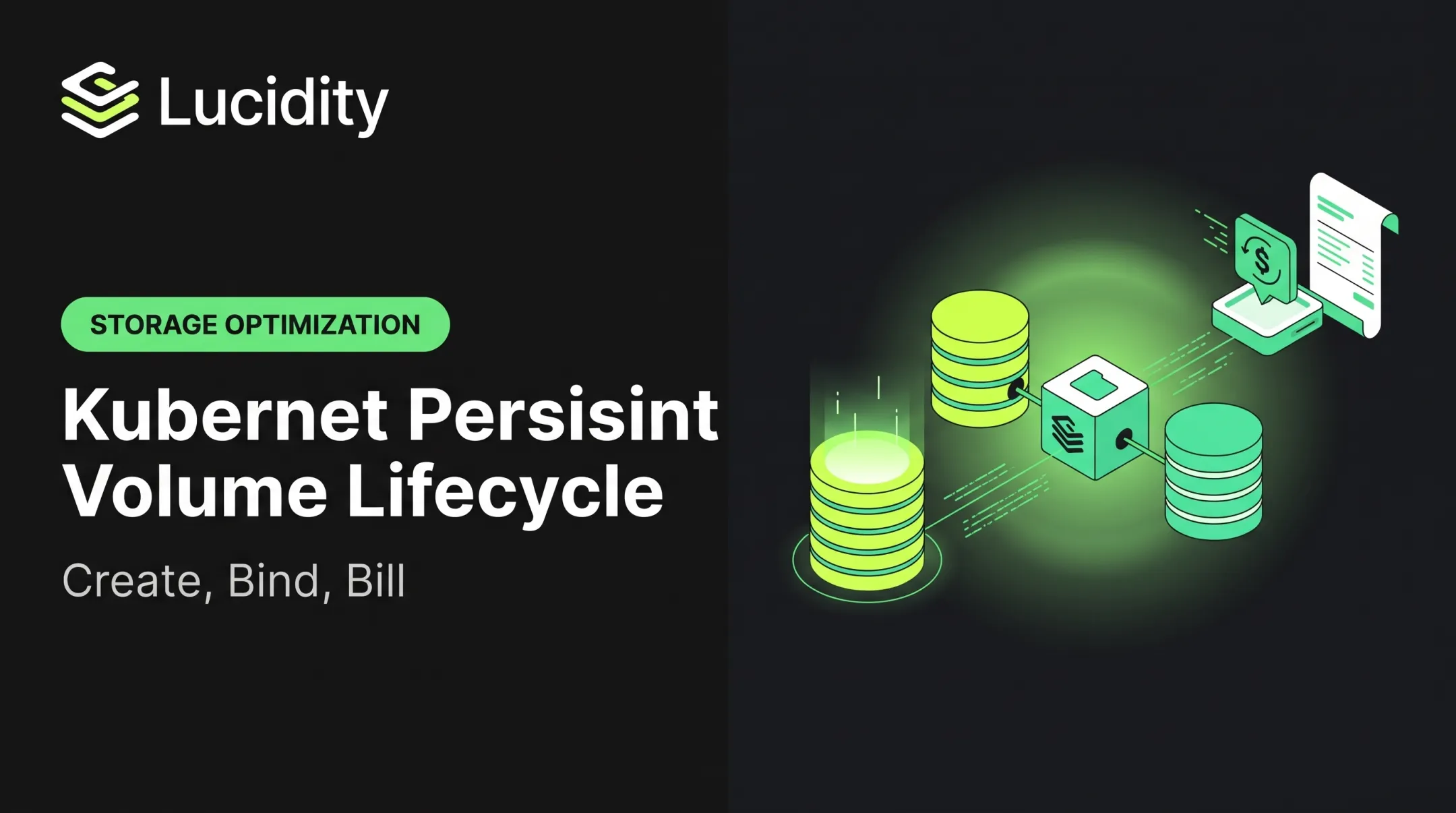
The lifecycle runs in order:
- A pod references a PVC.
- The StorageClass invokes the matching Azure CSI driver.
- Azure creates the disk, share, or container.
- The PV is created and bound to the PVC.
- The volume attaches and the pod mounts it.

Static provisioning is the alternative: an administrator creates PVs describing existing storage. It makes sense when you must adopt a pre-existing disk or share. Otherwise, dynamic provisioning means less setup and fewer capacity mismatches.
Access modes, binding, and placement
| Mode | Meaning |
|---|---|
| RWO (ReadWriteOnce) | Read-write from one node; multiple pods on that node are possible |
| ROX (ReadOnlyMany) | Read-only from many nodes |
| RWX (ReadWriteMany) | Read-write from many nodes |
| RWOP (ReadWriteOncePod) | Read-write by one pod cluster-wide (CSI only) |
An access mode says nothing about performance. RWX on Blob does not make it behave like a fast shared filesystem.
Before production, review volumeBindingMode, reclaimPolicy, allowVolumeExpansion, and the CSI driver on each StorageClass.
AKS built-in disk classes (managed-csi, managed-csi-premium) default to WaitForFirstConsumer, Delete, and volume expansion. Blob classes use Immediate binding. Confirm current support in Microsoft documentation, since defaults can change.
Choosing an AKS Storage Backend
Azure Managed Disks for block storage
Use the Azure Disk CSI driver for databases, queues, indexes, and anything needing low-latency block storage. Ordinary use is RWO.
| Disk family | Max IOPS | Max throughput |
|---|---|---|
| Standard HDD | 2,000 | 500 MB/s |
| Standard SSD | 6,000 | 750 MB/s |
| Premium SSD | 20,000 | 900 MB/s |
| Premium SSD v2 | 80,000 | 2,000 MB/s |
| Ultra | 400,000 | 10,000 MB/s |
These are family ceilings, not AKS benchmarks. Disk size and VM limits decide what you actually get.
- Zonal disks need compatible node placement; ZRS disks are more flexible.
- Attachment limits depend on the node VM size ("Max data disks").
- Encryption at rest is on by default; customer-managed keys work through a Disk Encryption Set.
- CSI supports full and incremental snapshots.
Azure Files for shared file access
Azure Files gives RWX access across pods and nodes over SMB or NFS. It fits shared uploads, configuration, and web content.
- SMB runs on Linux and Windows. NFS 4.1 is Linux only and needs premium SSD shares.
- SSD shares suit latency-sensitive workloads; HDD shares suit lower I/O.
- SMB failures often trace to blocked port 445 or a wrong account-key secret.
- Managed-identity SMB is in preview and needs AKS 1.34+.
Azure Blob Storage through the Blob CSI driver
Blob is object storage. The CSI driver exposes it through BlobFuse2 (fuse, fuse2) or NFS. It fits unstructured data, logs, images, and documents. It does not fit transaction-heavy database files.
Be clear about the limits:
- BlobFuse2 caching can affect freshness, and concurrent writes can lose changes.
- Hard links, extended attributes, and locking operations are unsupported.
- NFSv3 has no hard links or NLM locking.
- Authentication options differ by mode; NFSv3 uses no account key.
A blob mount is not equivalent to a block filesystem.
Workload-to-storage decision framework
| Factor | Azure Disk | Azure Files | Azure Blob |
|---|---|---|---|
| Model | Block | Shared file | Object-backed mount |
| Access | RWO | RWX | RWX |
| Best for | Databases, indexes | Shared content | Logs, backups, media |
| Main cost drivers | Provisioned tier | Capacity, transactions | Operations, retrieval, egress |
| Limitation | Node and zone constraints | Protocol and auth | Consistency, file ops |

Work through these questions in order:
- Access pattern
- Latency and IOPS needs
- Sharing across pods and nodes
- Durability requirements
- Expected growth rate
- Backup strategy
- Whether the app expects POSIX behavior
Don't pick by per-GB price alone. A cheap backend that causes slow queries, heavy transaction charges, or custom workarounds costs more in the end.
AKS Persistent Volume Cost Guide
What contributes to the bill
- Disks: traditional billing uses provisioned capacity and tier, not bytes used. Premium SSD v2 meters capacity, IOPS, and throughput separately.
- Files: provisioned v2 charges capacity, IOPS, and throughput. Pay-as-you-go meters used capacity, transactions, and transfer.
- Blob: capacity, access tier, redundancy, operations, retrieval, and transfer. Early-deletion windows run 30 days (Cool), 90 (Cold), and 180 (Archive).
- Snapshots: disk snapshots bill on used snapshot storage.
Inbound transfer is free, and internet egress has a monthly free allowance. Check Microsoft's current US pricing pages, since rates and minimums change.
How PVC requests become provisioned cost
An oversized claim creates a matching Azure resource, and you pay for it even if the app uses a fraction. A 512 GiB claim holding 40 GiB of data still bills as 512 GiB of disk.
Three numbers differ: requested capacity, filesystem usage, and billed capacity. Monitor both requested and actual usage before resizing, and remember shrinking a PVC is unsupported.

Hidden sources of persistent volume waste
- Overprovisioned disks
- Idle or unattached disks that still incur charges
- Released PVs and retained disks
- Stale snapshots
- Duplicate test environments
- Abandoned file shares from short-lived workloads
Delete removes the backing resource with the PV, which suits disposable workloads. Retain preserves data but needs an inventory and a deletion process, or orphaned spend piles up.
Cost-control workflow for FinOps and platform teams
- Build StorageClasses around workload tiers.
- Set sensible default sizes.
- Restrict who can expand volumes.
- Use the Disk CSI
tagsparameter, and enable tag inheritance in Cost Management. - Assign an owner to every retained volume.
Before approving a resize or tier change, compare requested capacity, actual utilization, performance needs, backup copies, and monthly Azure cost. FinOps Foundation guidance suggests representative three-month averages of used capacity and utilized IOPS.

Where automated storage optimization can fit
Manual right-sizing doesn't scale well. Lucidity offers automated block storage optimization: AutoScaler expands and shrinks disks with zero downtime, and Lumen flags unattached, reserved, unmounted, and zero-I/O disks. Lucidity says its public Azure requirements cover Azure Managed Disks.
Confirm AKS-specific support with Lucidity before production use. It addresses block storage only, not Azure Files or Blob.
Operating and Optimizing Persistent Volumes
Production configuration checklist
- Choose a StorageClass per workload tier.
- Use WaitForFirstConsumer for topology-aware placement.
- Set reclaimPolicy deliberately.
- Enable allowVolumeExpansion.
- Plan encryption, backup, and restore.
- Tag resources and separate production from non-production.
When planning backup and restore, AKS Backup supports Standard HDD, Standard SSD, Premium SSD, Premium SSD v2, and Ultra disks. Blob PVs are unsupported, and backups are crash-consistent.
Monitoring and validation
Run these routinely:
kubectl get pvc -A
kubectl get pv
kubectl get storageclass
kubectl describe pvc <name> -n <namespace>
Watch for:
- Pending claims
- Expansion status and attachment state
- Unexpected Retained or Released PVs
For usage metrics, Managed Prometheus exposes kubelet_volume_stats_used_bytes and related metrics. Container Insights collects PV data every 60 seconds but excludes azureblob-* volumes. Tie usage to spend with Azure Cost Management and AKS cost analysis.
Common failure and cleanup scenarios
| Symptom | Likely cause |
|---|---|
| Pending PVC | WaitForFirstConsumer delay, or no matching PV or class |
| Disk mount failure | Zone mismatch or insufficient identity permissions |
| Volume node affinity conflict | No node meets the volume's topology |
| Files mount failure | Blocked port 445, wrong secret, network limits |
| PVC stuck Terminating | A pod still uses it; PVC protection is working |

For Terminating PVCs, clean up the consuming pods first. Remove a finalizer only after confirming no pod uses the volume and CSI cleanup has finished.
Frequently Asked Questions
What is a persistent volume in Kubernetes?
A PersistentVolume is cluster storage that is created statically or provisioned dynamically. It exists independently of any single pod.
What is the difference between persistent volume and persistent volume claim?
The PV represents the storage. The PVC is a namespaced request for capacity, access mode, and optionally a StorageClass.
What is the best persistent storage solution for Kubernetes?
There is no universal winner. Azure Disk fits structured application data, Azure Files fits shared filesystems, and Azure Blob fits unstructured data. Match to access, performance, sharing, durability, and cost.
How does a PVC get bound to a PV in AKS?
Kubernetes matches the claim to a suitable existing PV, or the StorageClass and CSI driver dynamically provision one. WaitForFirstConsumer delays this until a pod is scheduled.
How can I reduce persistent volume costs in AKS?
Right-size claims, pick the lowest tier that meets performance needs, and delete idle or retained resources. Monitor utilization and review Azure pricing regularly.